Document your SOPs once, in a form humans and AI both understand.
Multilevel Checklist-Based Procedures
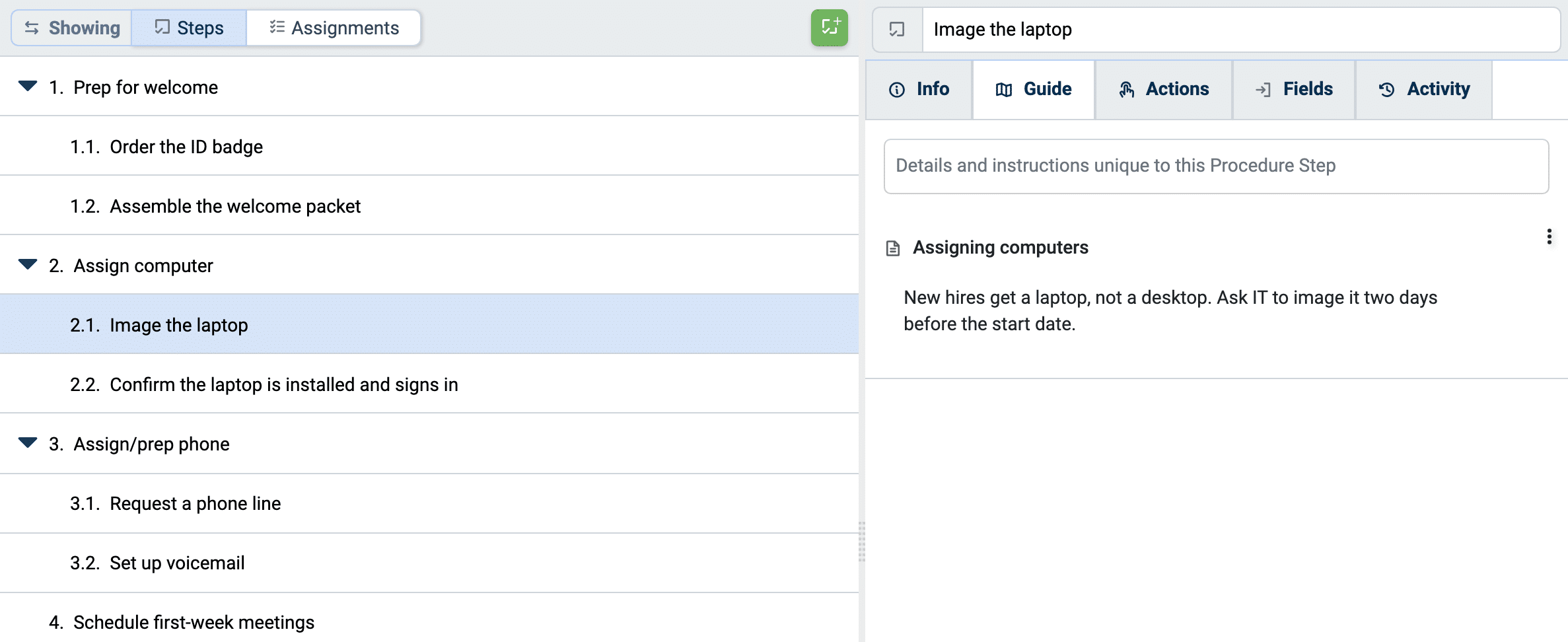
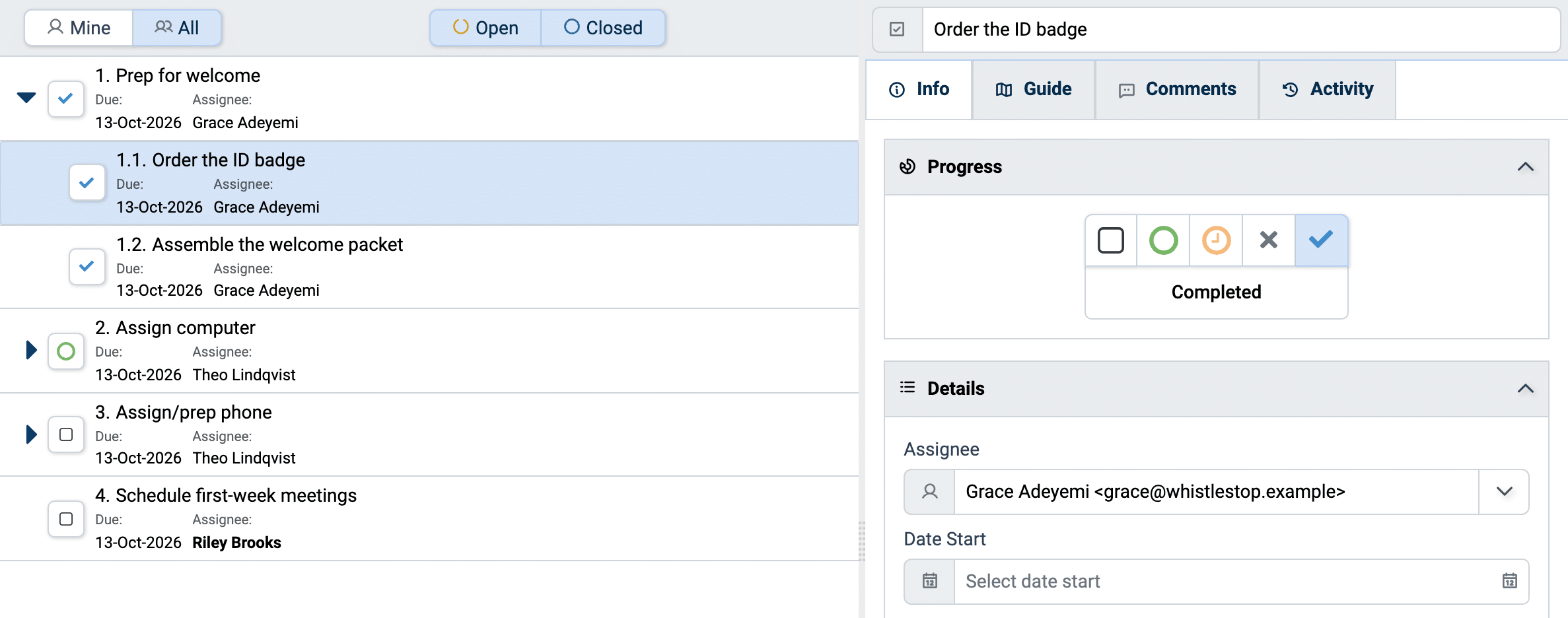
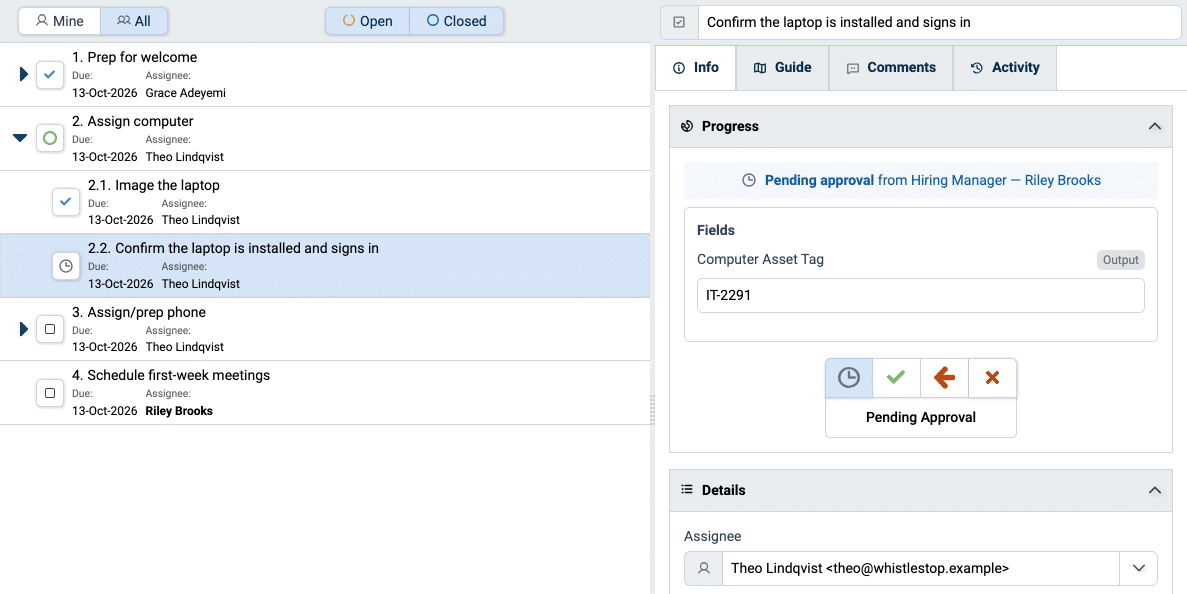
TaskTrain enables you to standardize recurring organizational workflows by creating checklist templates with substeps nested up to 4 levels deep. If you can write an outline, you can document a standard operating procedure.
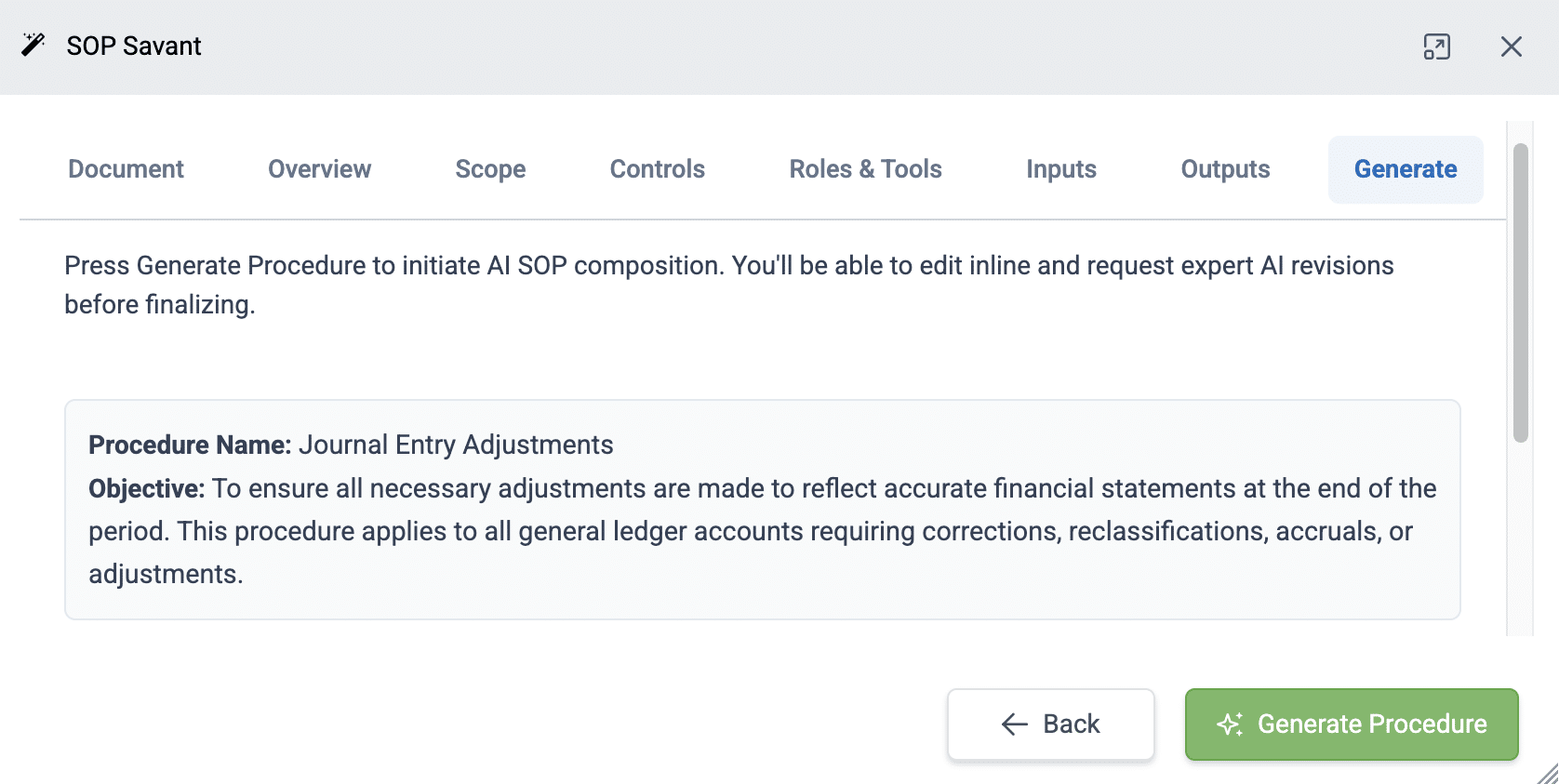
Authoring a procedure no longer means staring at a blank form. Tell TaskTrain what your team does — or upload an existing document — and it interviews you to draw out scope, inputs, outputs, controls, and the steps themselves. It identifies the roles involved, generates a structured step list, and files the procedure for you. You review and refine instead of starting from scratch. The result is a complete, well-organized SOP your team can follow and your AI tools can execute — produced in a fraction of the time.
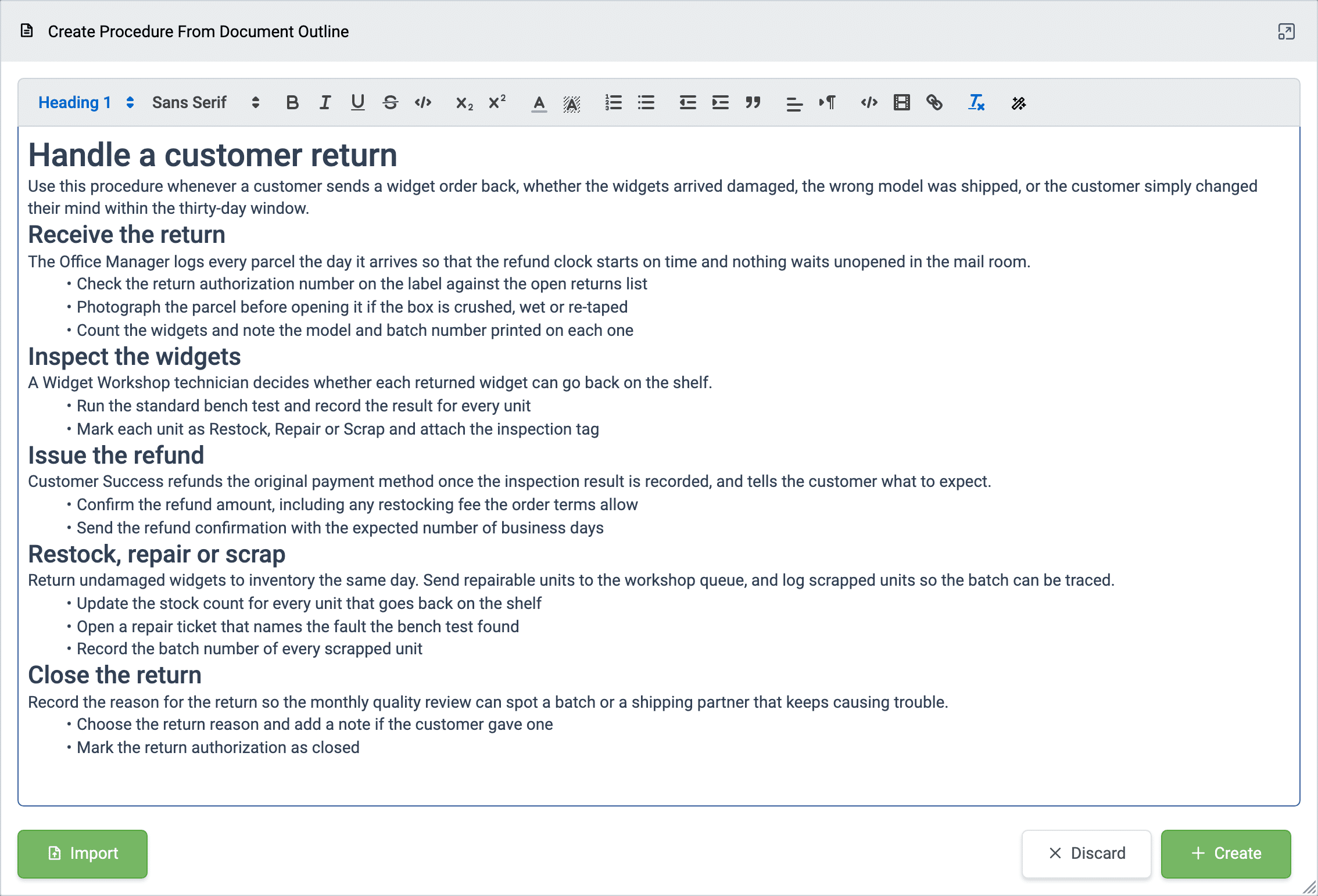
Are your procedures lying dormant as static word processing documents? Paste them into TaskTrain for instant conversion & immediate integration into team workflow.
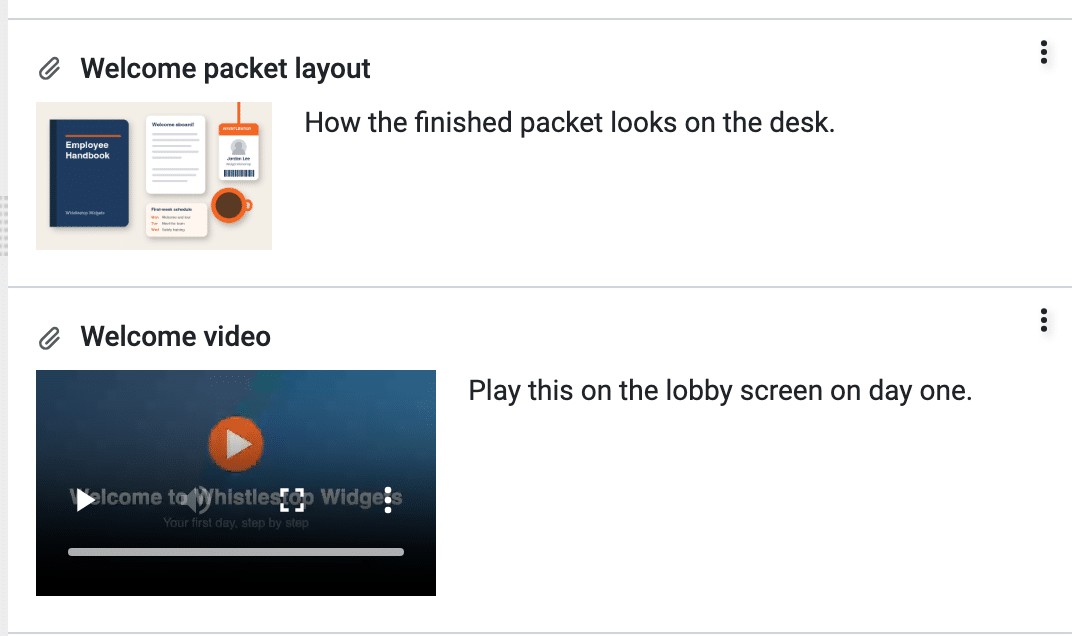
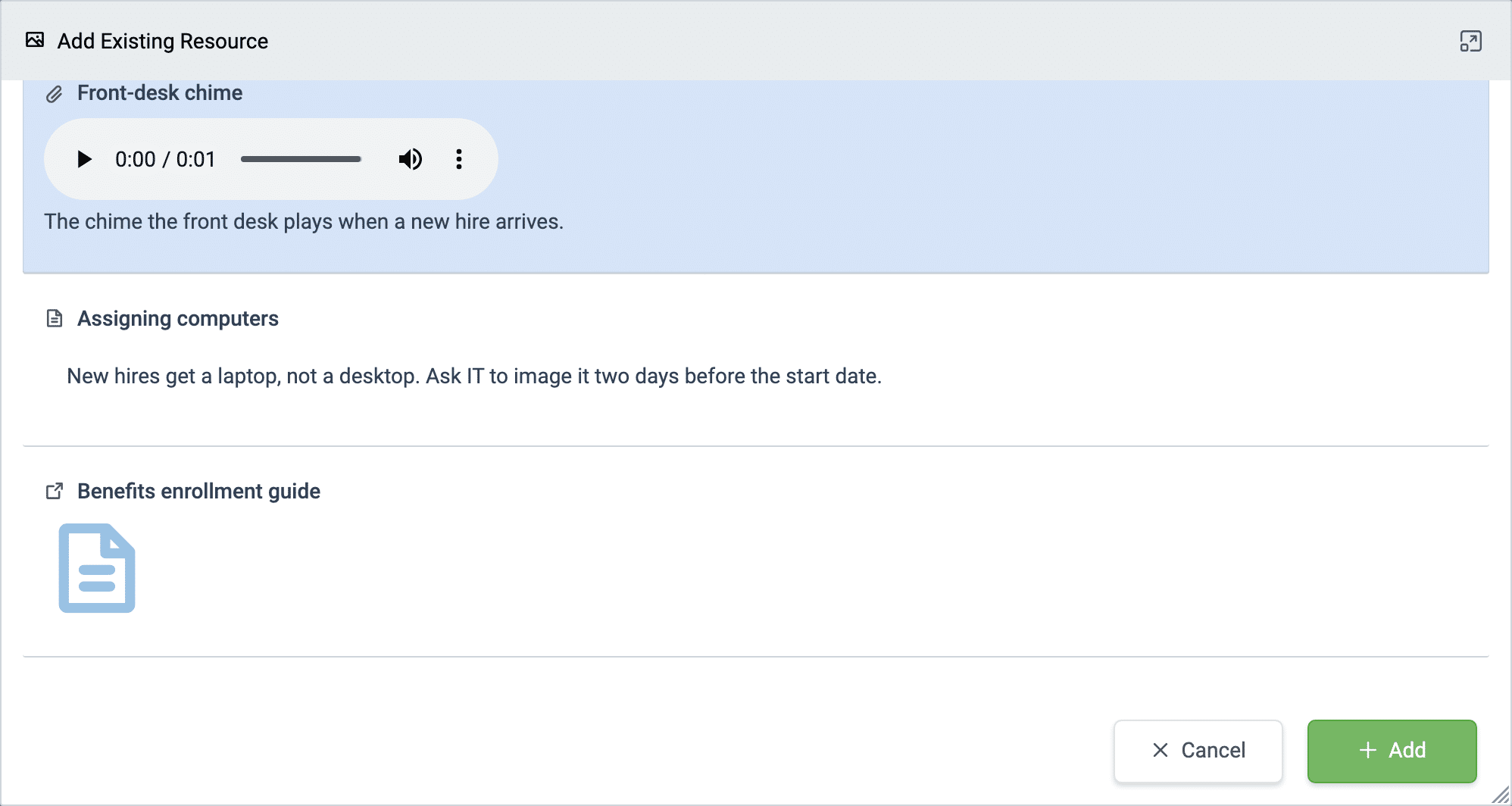
Deliver or reinforce training when & where it’s needed by providing detailed work instructions as formatted text, pictures, videos, or attached documents at each procedure step.
Turn a step from an instruction into a form. Add typed fields — text, number, date, yes/no, single or multiple choice, file — to any step, mark the ones that matter as required, and add guidance on what to enter. Whoever carries out the step fills them in as they work, and TaskTrain prompts for any required field still empty when the step is closed. Define a field once and reuse it across steps and procedures, so the same information is captured the same way every time.
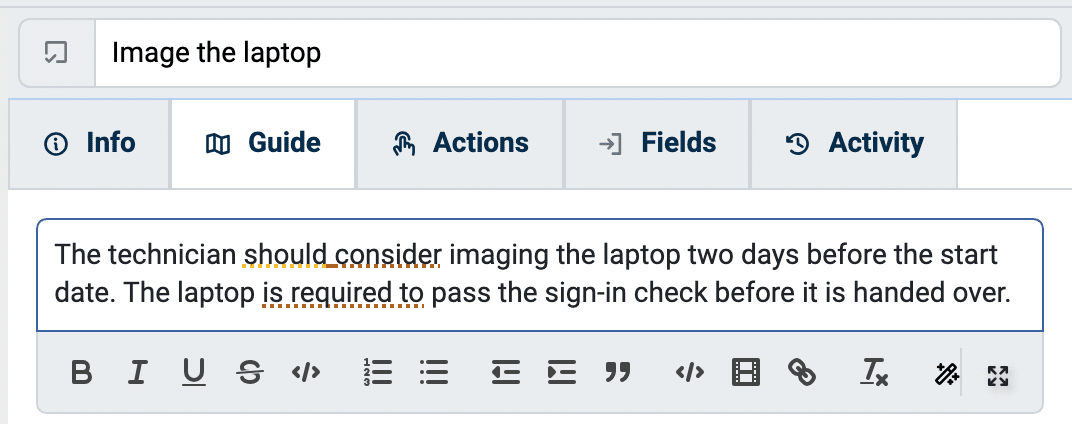
As you write, TaskTrain guides you toward a consistent strength of obligation in each step, flagging vague or hedging language and suggesting clearer wording. The payoff: your team and the AI tools they work with read every step the same way, with no ambiguity about what’s required versus optional.
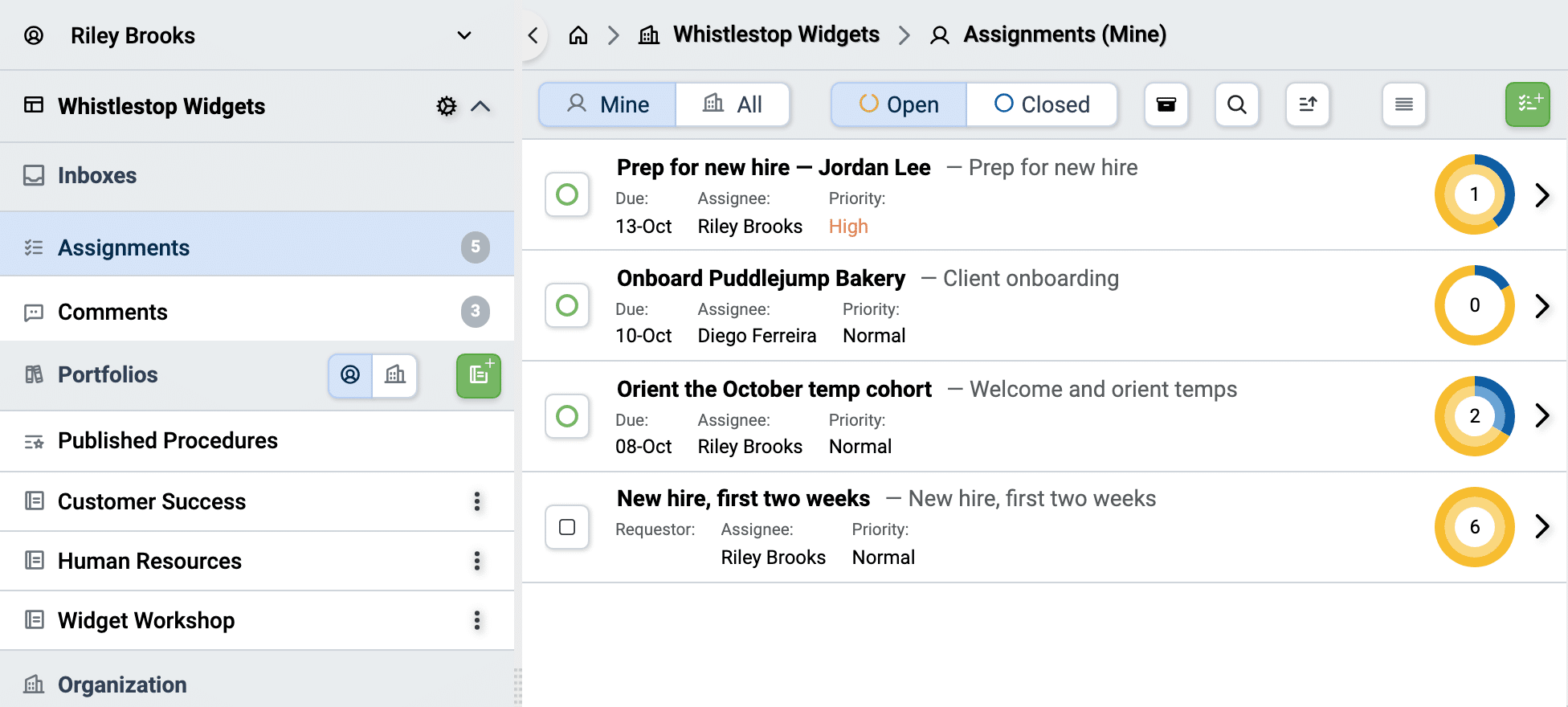
Get every actionable assignment to the right person — or the right position — automatically.
Task-Level Assignment
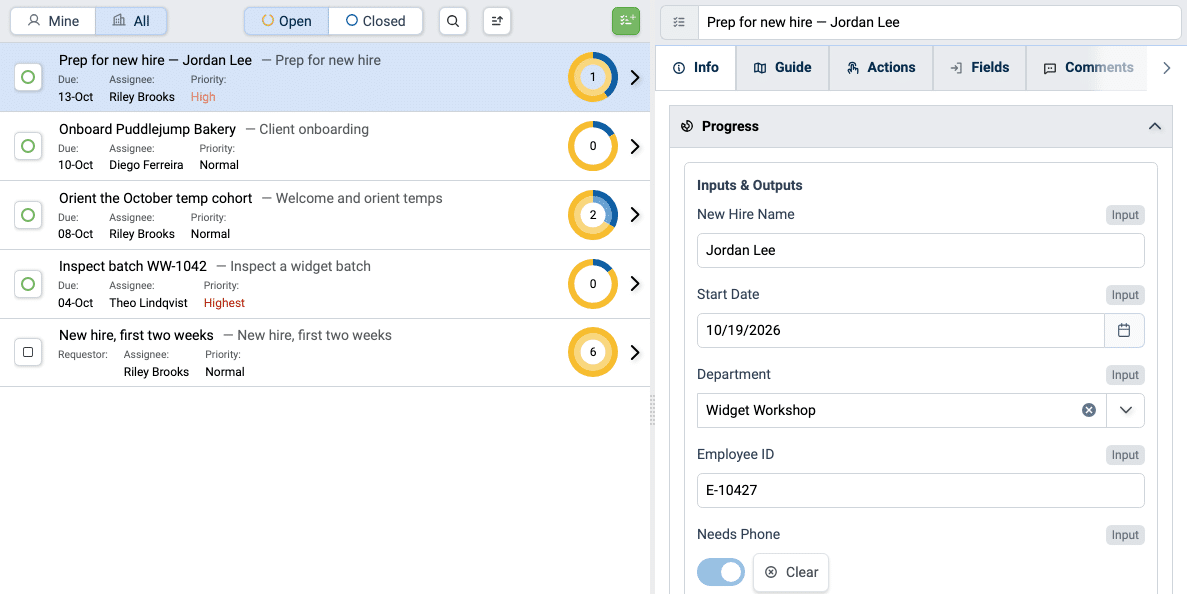
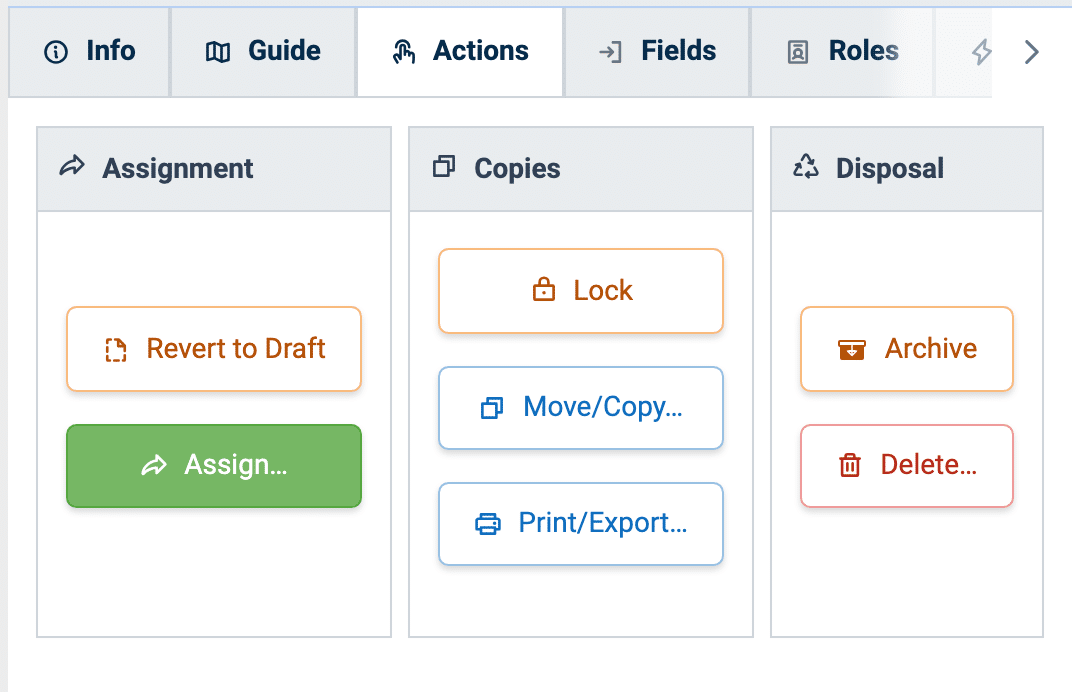
Assign individual steps, not just whole procedures. Ownership is explicit at every level, and assignment now flows through positions on your organization chart so the right person is always in the loop.
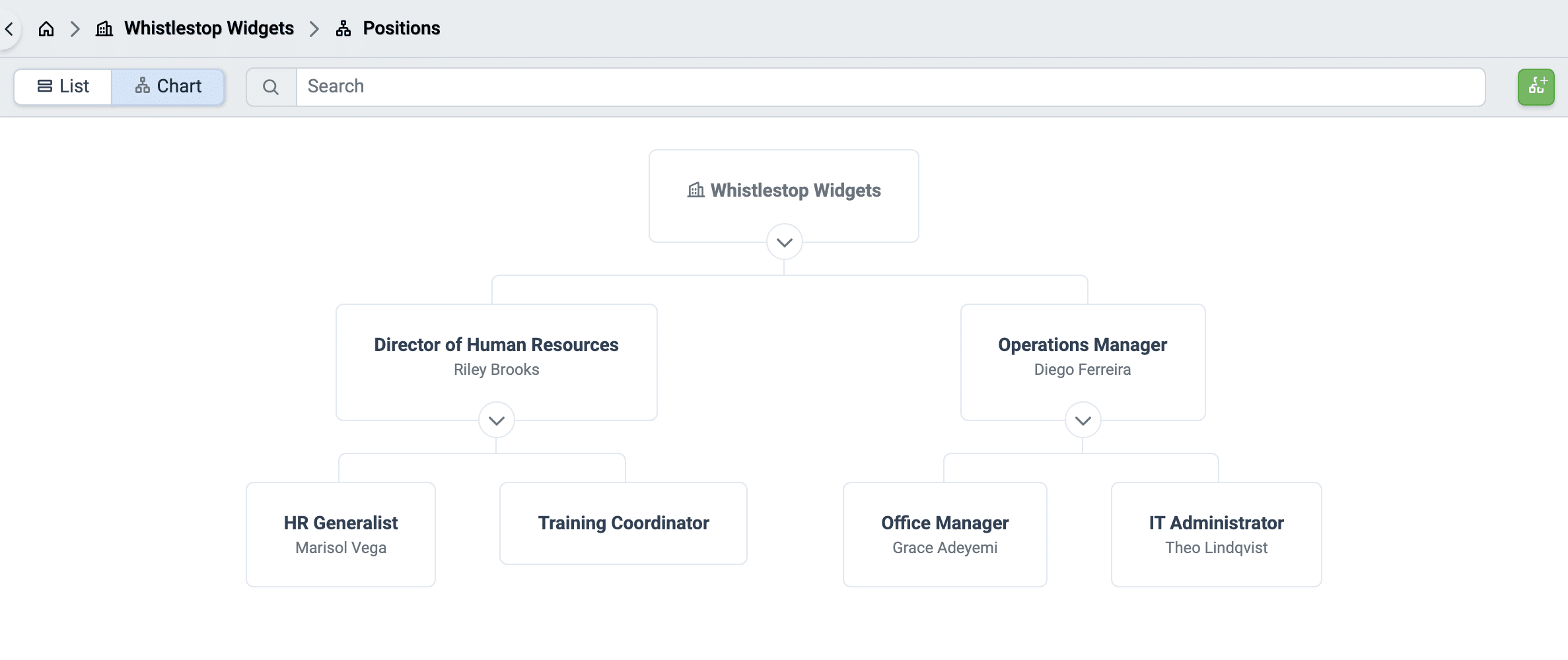
Assign work to positions on your organization chart, not just to individuals. Each step belongs to a position; whoever holds that position gets the work. When someone is promoted, rotates onto a project, or covers for a colleague, you update the position once and every related assignment follows automatically — no hunting through procedures to reassign tasks by hand. Your organization chart becomes the single source of truth for who is accountable for what.
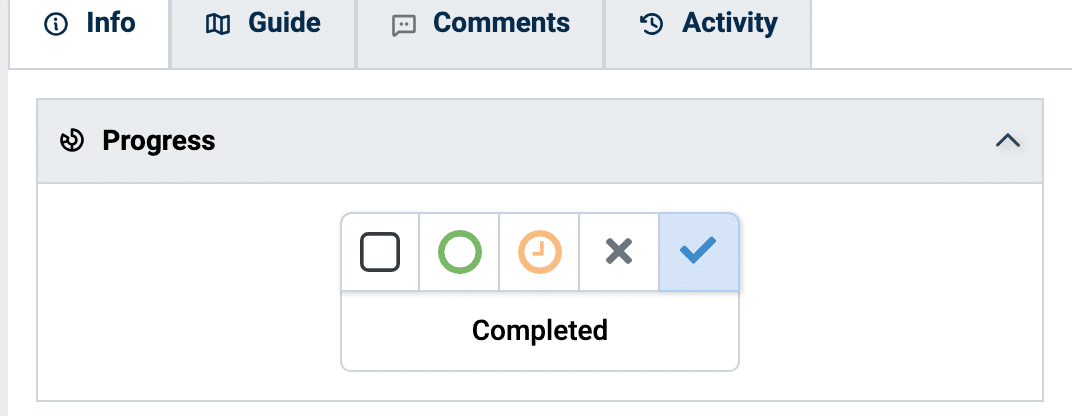
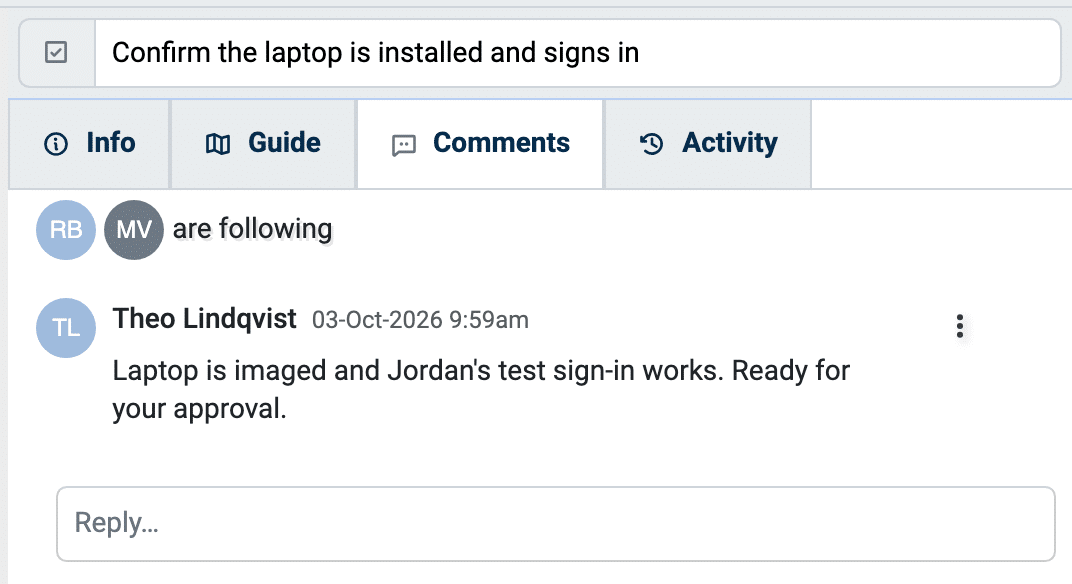
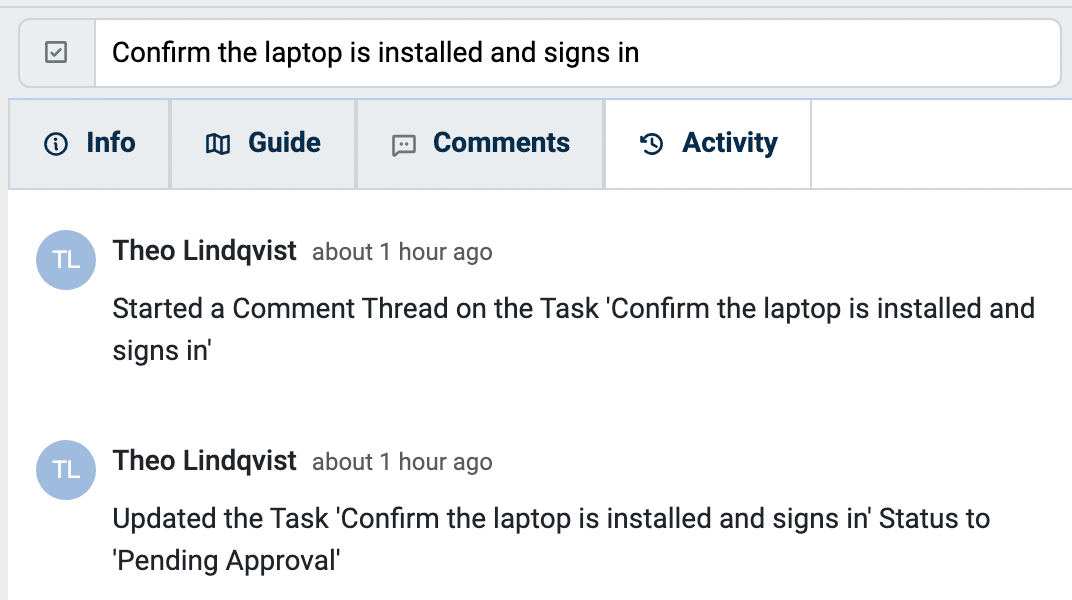
Some steps shouldn’t count as done until someone signs off. Mark any step as an Approval Step and name the approver — a Position on your organization chart or a Role in the procedure. When the assignee finishes, the step moves to Pending Approval. The approver sees the work and its context in one place and can approve it, return it for revision with a note, or reject it. Every decision and note is recorded in the step’s comment thread, giving you a clear, auditable record of who approved what, and when.
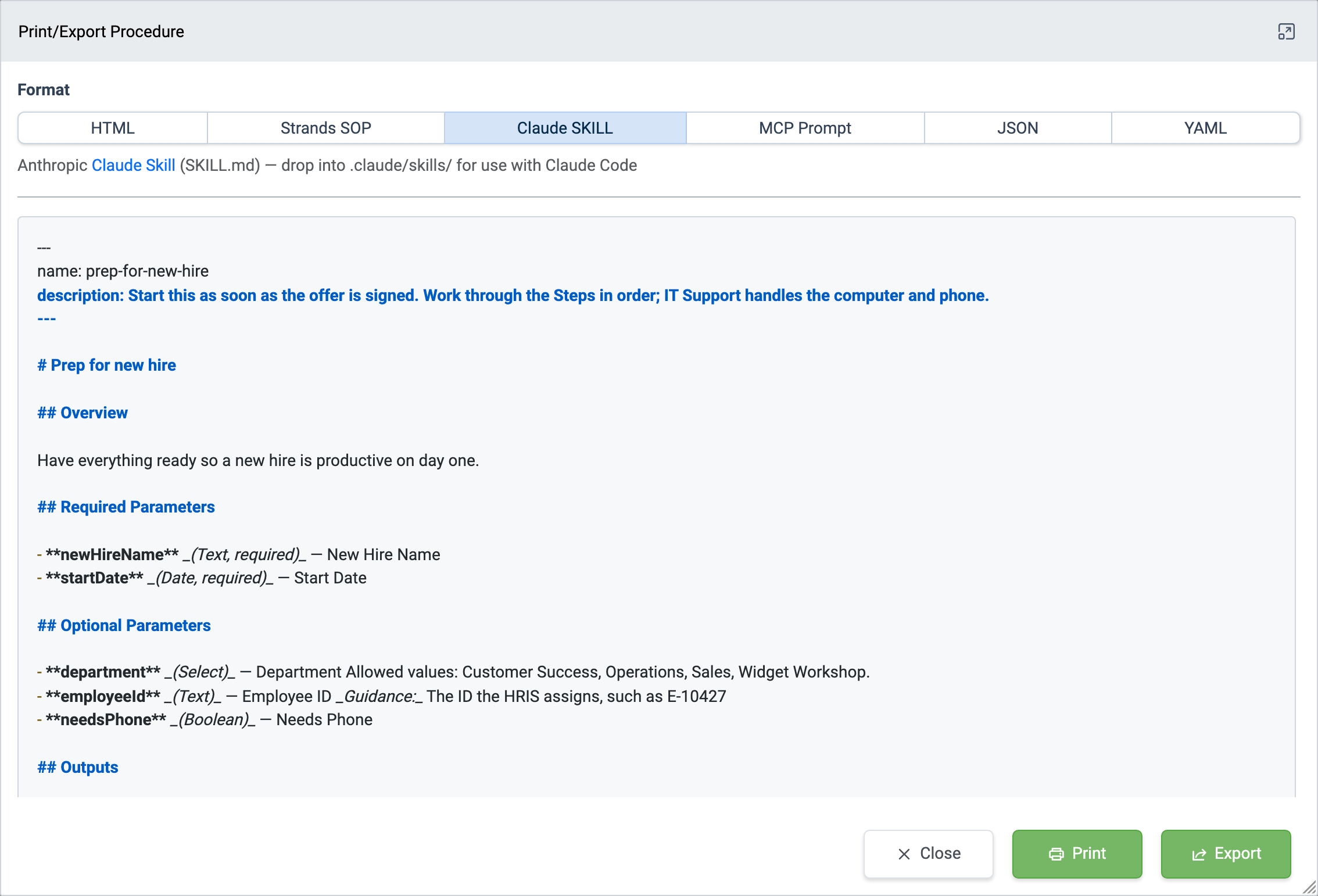
Every procedure exports in one click to the formats AI tools and agent frameworks consume natively: Claude, MCP, Strands SOP, JSON, and YAML. Position and role assignments are included in the export, so the structure your team follows is the same structure your AI tools receive. There’s no separate “AI version” to maintain — the export is your canonical SOP, rendered in the format the tool needs.
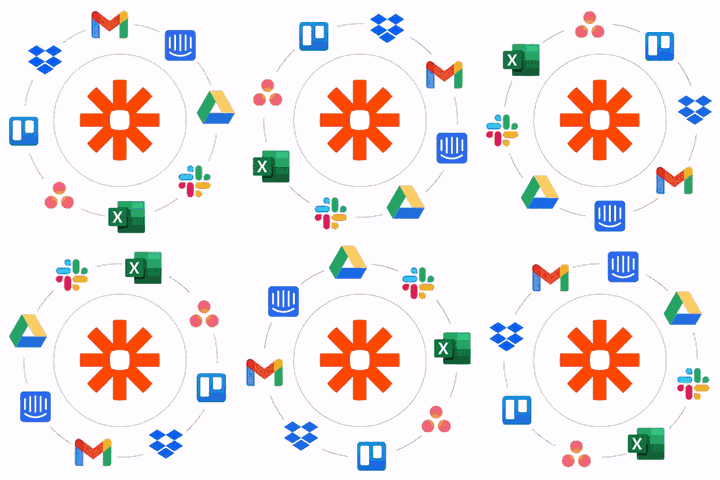
Schedule and assign recurring workflows and update your other apps automatically with our Zapier integration.
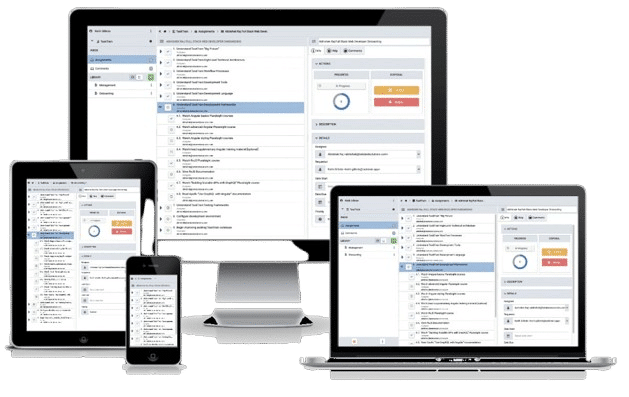
TaskTrain scales with your team across desktop, laptop, tablet, and mobile devices.
Avoid wasting valuable time. Document your core business processes and integrate them into everyday workflow with TaskTrain. Efficient, repeatable process execution is the foundation on which to scale your business.